
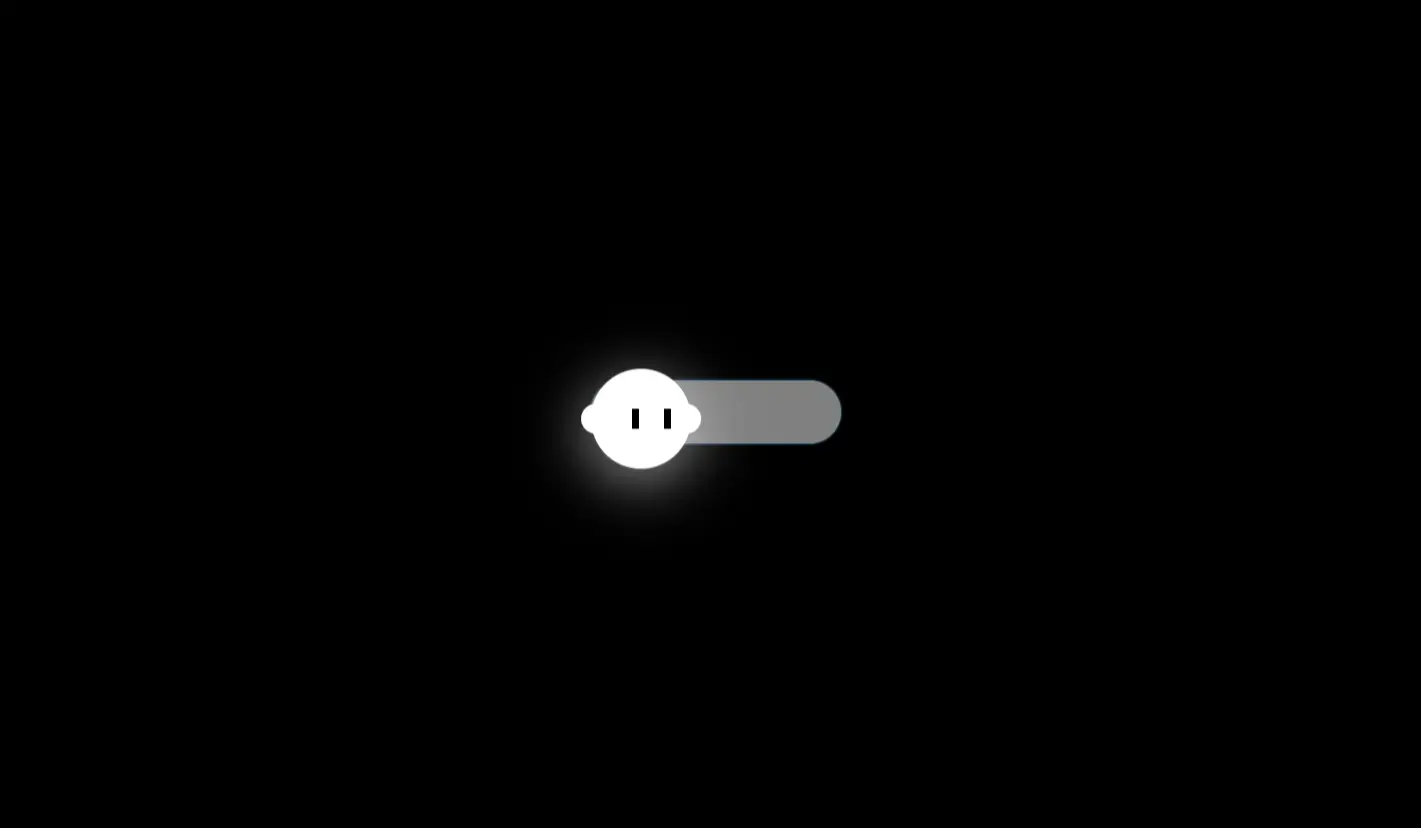
Animated Ghost Toggle
Add a playful and spooky touch to your website with our Animated Ghost Toggle built using HTML, CSS, and JavaScript. This creative toggle switch features a floating ghost that reacts when switching modes — perfect for Halloween designs or fun UI effects.
Key Features
- Interactive ghost animation that moves and glows
- Smooth CSS transitions for on/off toggle states
- Customizable colors and ghost expressions
- Lightweight and responsive design for all screens
- Built entirely with HTML, CSS, and JavaScript — no external libraries
How to Use
- Copy the provided HTML, CSS, and JS code into your project
- Customize ghost color, speed, or theme based on your preference
- Use it as a dark mode toggle or standalone Halloween animation
- Enjoy a fun, interactive UI element that delights your users
Why Use the Animated Ghost Toggle?
This toggle is more than a switch — it’s an engaging UI animation that enhances user experience. Whether you’re creating a Halloween landing page or want to add personality to your dark mode button, this animated ghost offers the perfect blend of fun and interactivity.
The project is fully responsive, beginner-friendly, and perfect for learning advanced CSS animation and toggle state handling in JavaScript.
Common Uses
- Add a Halloween-themed switch to websites
- Use as a creative dark/light mode toggle
- Enhance landing pages with animated UI elements
- Learn CSS animation, keyframes, and transitions
- Inspire creativity in frontend design projects
Tip: Add sound effects or glowing eyes to make your ghost toggle even more lively and engaging!
Download is Locked
Please scroll down to view the full page and unlock the download link.
Your Download is Ready
Click the button below to retrieve the project source code.
More Related Items by CodeTap
View All


