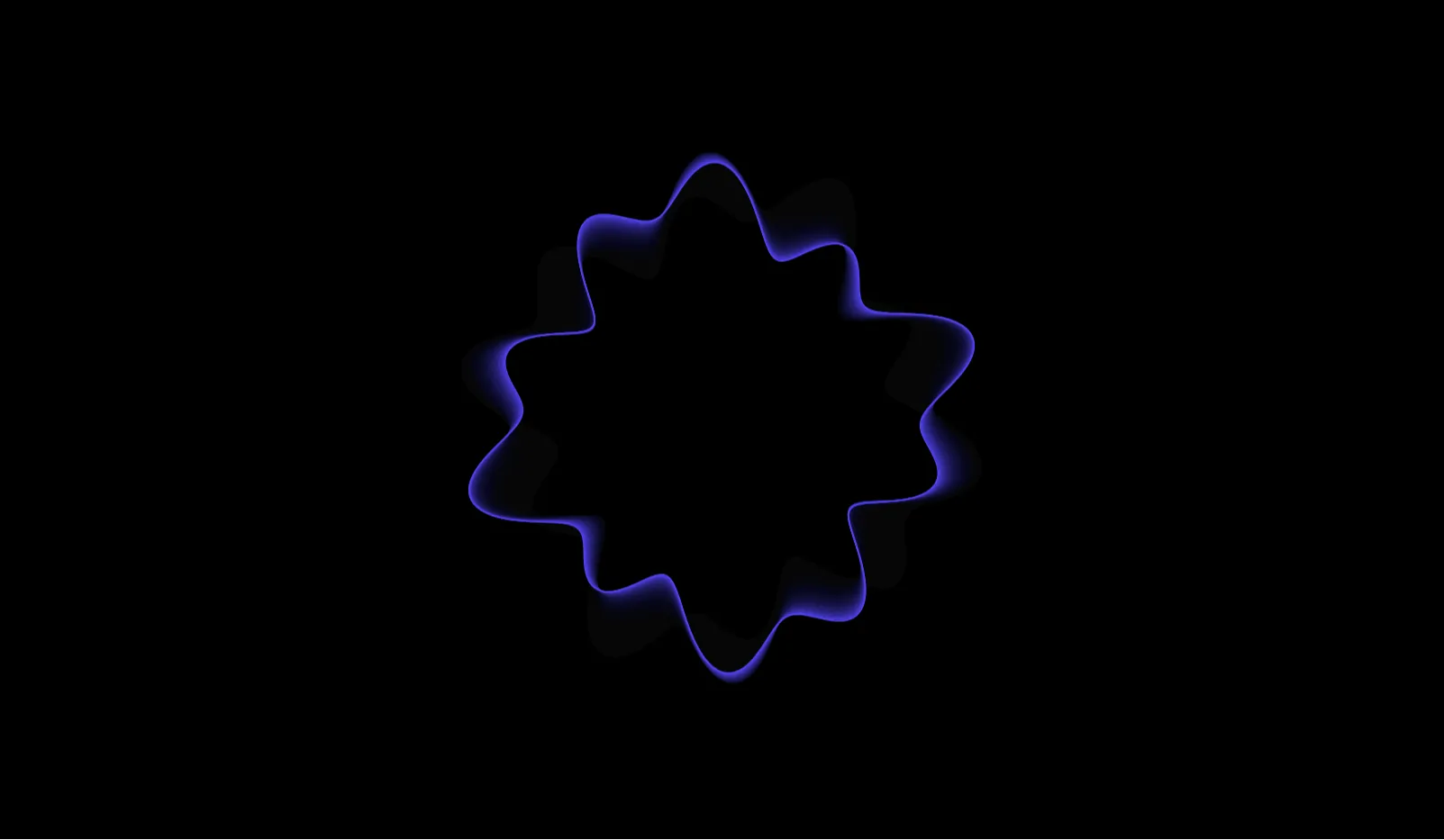
The Blob Animation Effect is a captivating frontend UI project that moves away from the rigid, grid-based layouts of traditional web design. By introducing fluid, organically morphing shapes, this project breathes life into digital interfaces. Often used as dynamic background elements, image wrappers, or interactive hover states, blob animations add a layer of playfulness and modern sophistication to any website. Built entirely with lightweight web technologies like CSS and SVG, this project demonstrates how to achieve complex, continuous motion without relying on heavy JavaScript animation libraries or video files, ensuring optimal performance across all devices.
Key Features
- Continuous Morphing Animation: Fluid, loop-based motion that organically shifts shape, creating a calming and visually engaging focal point.
- Zero-JavaScript Architecture: Built using pure CSS keyframes and SVG paths, keeping the codebase incredibly lightweight and fast to load.
- Fully Responsive Design: The blob structures automatically scale and adapt to fit perfectly within both mobile and desktop viewports.
- Customizable Color Gradients: Easily inject vibrant linear or radial CSS gradients into the blob shapes to match any brand identity.
- Hardware-Accelerated Rendering: Animations are optimized for the browser's GPU, guaranteeing a buttery-smooth 60 frames per second (fps) performance.
Technologies Used
HTML5, CSS3 (Keyframes, Border-Radius, Gradients), Scalable Vector Graphics (SVG)
How It Works
There are two primary methods demonstrated in the Blob Animation Effect project. The first is the CSS-only approach, which cleverly manipulates the border-radius property. By assigning complex, eight-value border radii (e.g., border-radius: 40% 60% 70% 30% / 40% 50% 60% 50%) and animating those values through CSS @keyframes, a standard square morphs into an undulating organic shape. The second, more advanced method uses inline SVG. By animating the d attribute (the path data) of an SVG using CSS or SMIL animations, the browser seamlessly interpolates between different vector shapes, creating a highly complex, infinitely looping liquid effect.
Benefits
For frontend developers and designers, mastering blob animations is an excellent way to break out of the "boxy" aesthetic that plagues many templates. It allows for highly creative, bespoke designs that instantly stand out. For marketing teams and businesses, using organic motion has been shown to create a more welcoming, human-centric digital environment. These animations naturally draw the user's eye, making them perfect vehicles for highlighting call-to-action buttons, framing portrait photos of team members, or serving as dynamic backgrounds for hero sections.
Use Cases
- Dynamic background elements for SaaS product landing pages
- Organic image wrappers for team profile photos or user avatars
- Engaging, custom loading spinners for web applications
- Interactive hover effects for pricing cards or feature highlights
- Creative portfolios for digital agencies and freelance designers
Conclusion
The Blob Animation Effect proves that modern web design can be both highly performant and beautifully organic. By leveraging the native power of CSS and SVG, you can implement stunning fluid motion into your UI without compromising page speed or accessibility. Integrating these morphing shapes into your next web project will undoubtedly elevate the visual storytelling, providing users with a polished, modern, and memorable digital experience.
Frequently Asked Questions
What is a blob animation effect in web design?
A blob animation effect is a visual technique where an element on a webpage organically morphs, shifts, and changes shape over time. It mimics the movement of liquid or amorphous organic forms, breaking away from standard rectangular layouts.
How do you create a blob shape using only CSS?
You can create a CSS blob by applying complex, multiple values to the border-radius property. By combining 8 specific percentage values (e.g., 30% 70% 70% 30% / 30% 30% 70% 70%), you can force a square div into an asymmetrical, organic blob shape.
Is the blob animation bad for website performance?
No. When built correctly using CSS keyframes or SVG path animation, the browser can heavily optimize the rendering. Because it does not rely on heavy JavaScript loops or large video files, it has a negligible impact on page load times and performance.
Can I put images inside the animated blob?
Absolutely. You can use the animated blob as a clipping mask or background for an image. Setting the CSS property overflow: hidden on the animated blob container will crop any image inside to match the morphing, organic shape perfectly.
Is the blob effect responsive on mobile screens?
Yes, the effect is fully responsive. Because the blob shapes are generated using relative CSS percentages and scalable vectors (SVG), they naturally adapt to fit the width and height of any mobile or desktop screen without pixelating.
Download is Locked
Please scroll down to view the full page and unlock the download link.
Your Download is Ready
Click the button below to retrieve the project source code.