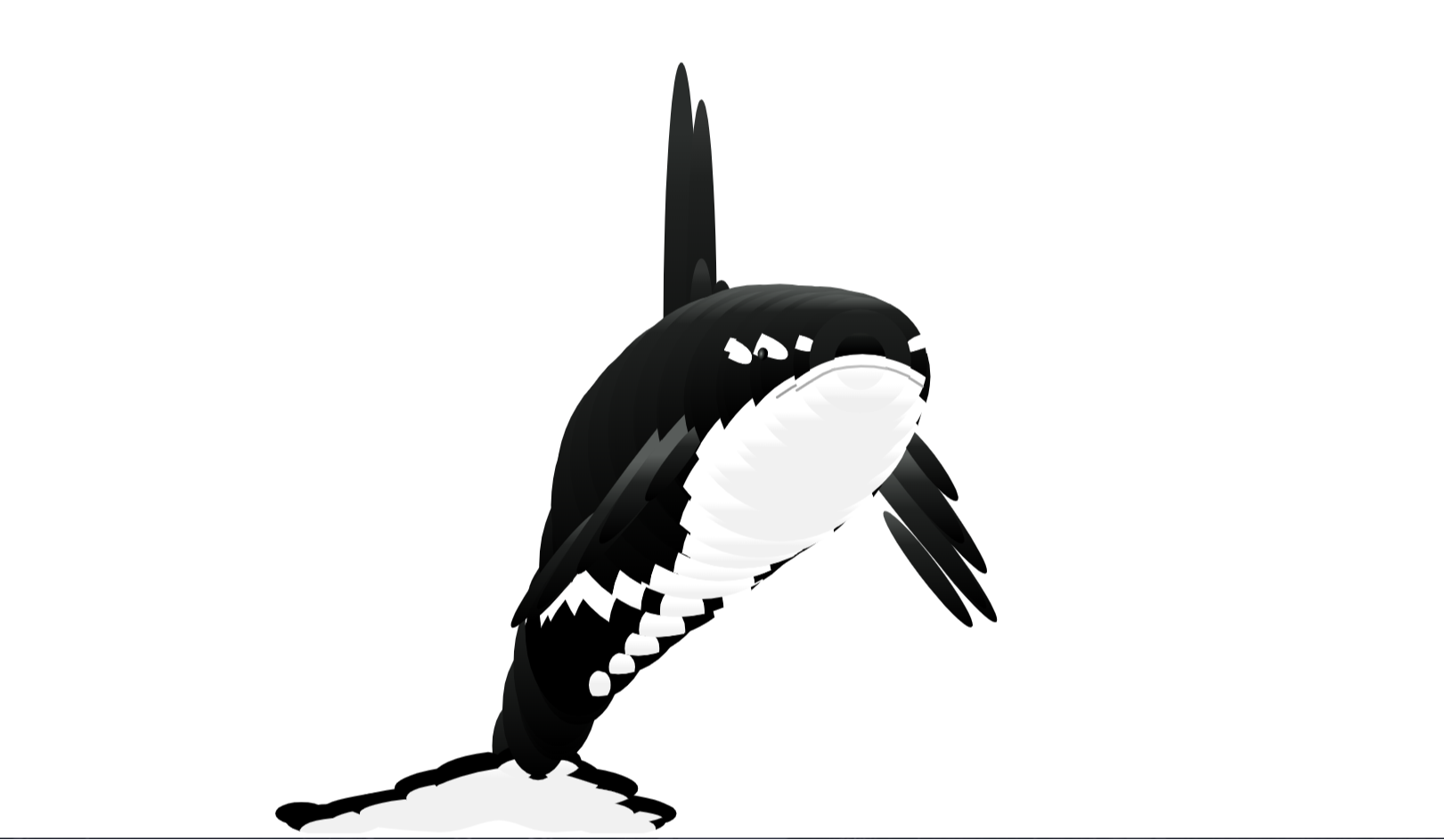
Curved Controllers SVG Drag Drop – Interactive SVG UI Project
The Curved Controllers SVG Drag Drop project is an advanced and interactive UI demonstration built using HTML, CSS, and vanilla JavaScript. It allows users to manipulate SVG curves in real-time by dragging control points, offering a hands-on experience with vector graphics and dynamic UI interactions.
This project highlights how scalable vector graphics (SVG) can be combined with JavaScript to create powerful and interactive design tools. It is particularly useful for understanding Bézier curves, drag-and-drop mechanics, and real-time rendering, making it an excellent resource for developers exploring graphical UI components and creative coding.
Project Highlights
- Interactive SVG curve manipulation using draggable control points
- Real-time updates of Bézier curves based on user input
- Smooth drag-and-drop functionality with precise positioning
- Clean and minimal UI focused on usability and clarity
- Lightweight implementation without external libraries
- Visual representation of curve control handles and paths
- Responsive design for desktop and touch-enabled devices
- Great demonstration of vector-based UI interactions
Use Cases
- SVG-based design tools or curve editors
- Educational demos for learning Bézier curves and vector graphics
- Interactive UI components in design systems
- Creative coding and frontend experimentation projects
- Animation path editors for web applications
- Portfolio projects showcasing advanced UI interaction skills
Technology Stack
- HTML5 for structure and SVG embedding
- CSS3 for styling elements and layout
- JavaScript (ES6+) for drag-and-drop logic and rendering
- SVG for scalable vector graphics and curve drawing
- Event handling for mouse and touch interactions
Additional Features & Tips
- Add multiple control points for complex curve editing
- Display coordinate values dynamically for precision control
- Implement snapping or grid alignment features
- Support touch gestures for mobile interaction
- Add export options for SVG paths
- Enhance UI with labels, guides, and visual hints
- Optimize performance for smooth dragging experience
- Integrate with animation libraries for motion path design
Tip: This project is ideal for developers interested in SVG manipulation, drag-and-drop mechanics, and advanced UI interactions. It’s a strong portfolio piece for demonstrating creative frontend and graphical programming skills.
Download is Locked
Please scroll down to view the full page and unlock the download link.
Your Download is Ready
Click the button below to retrieve the project source code.
More Related Items by CodeTap
View All