
Creating immersive, seasonal web experiences is one of the most effective ways to captivate users and elevate a developer's creative portfolio.
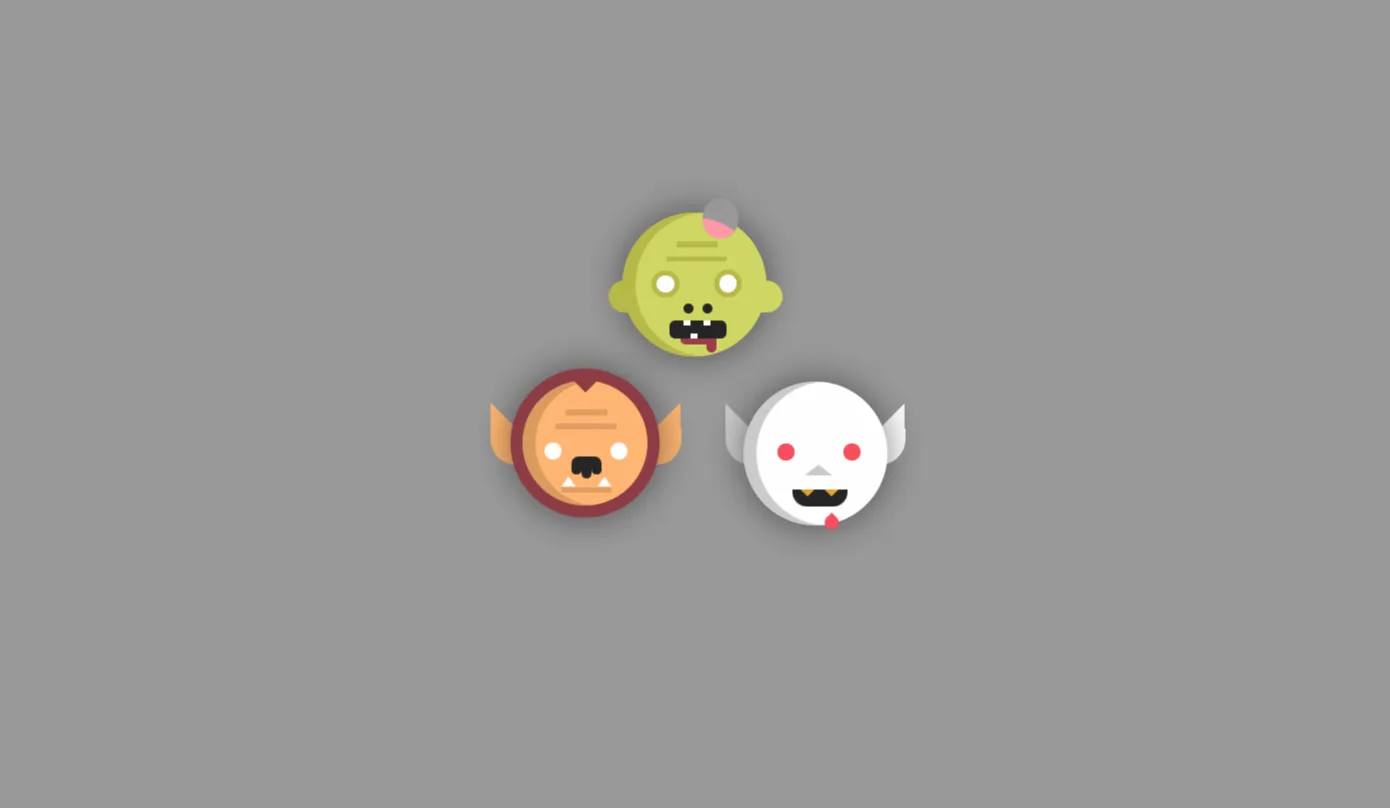
Halloween Pen is an interactive frontend web project designed to bring eerie, atmospheric 3D animations to life directly within the browser. Built using Three.js alongside foundational web technologies like HTML5, CSS3, JavaScript, and Bootstrap 5, this project bridges the gap between traditional UI design and modern WebGL rendering. It delivers a polished, responsive, and engaging experience that captures the festive spirit of Halloween while demonstrating complex web animation techniques.
This project was created to give frontend developers, UI designers, and students a practical, hands-on template for integrating 3D graphics into real-world applications. Building interactive 3D web elements often presents a steep learning curve. Beginners and intermediate developers frequently struggle with canvas management, scene rendering, camera lighting, and responsive UI scaling. Halloween Pen solves this problem by offering an organized, modular code structure that isolates complex WebGL logic into clean, readable JavaScript modules.
Developers should use this project to accelerate their understanding of 3D web development without getting overwhelmed by mathematical boilerplate. Whether you want to study canvas manipulation, create dynamic seasonal landing pages, or enhance your creative coding portfolio, Halloween Pen serves as an ideal launchpad. It provides an accessible, production-ready framework that proves 3D interactive graphics can be both lightweight and highly performant across modern web browsers.
Key Features
1. Interactive 3D Canvas Scene
Leverages Three.js WebGL rendering to create a rich, interactive 3D environment complete with real-time camera manipulation and depth perspective.
2. Responsive Bootstrap 5 Grid
Fully integrated with Bootstrap 5 utilities and grid systems, ensuring smooth visual scaling across mobile devices, tablets, and desktop displays.
3. Custom Atmospheric Lighting
Features ambient, point, and directional lights engineered specifically to cast dramatic shadows and build an authentic Halloween atmosphere.
4. Optimized Frame-Rate Performance
Utilizes native JavaScript requestAnimationFrame loops to maintain a consistent 60 FPS animation cycle while minimizing CPU and GPU overhead.
5. Modular Component Architecture
Organized into clean, self-contained files that allow developers to swap models, modify lighting, or extend functionality effortlessly.
6. Touch & Mouse Event Handling
Includes built-in event listeners for pointer interaction, allowing users to rotate, hover, or trigger animations across screen types.
7. Dark-Theme Color Palette
Designed with modern CSS custom properties using deep purple, pumpkin orange, and eerie dark tones to optimize visual contrast.
8. Lightweight Zero-Dependency Core
Maintains rapid load times by relying exclusively on lightweight CDN bundles for Three.js and Bootstrap 5 without bloated libraries.
Technologies Used
HTML5
HTML5 forms the structural backbone of Halloween Pen, providing semantic document markup that ensures accessibility and search engine readability. The layout employs modern structural elements such as <header>, <main>, <section>, and <footer>. A dedicated HTML5 <canvas> container acts as the direct viewport target for Three.js WebGL graphics rendering.
CSS3
Custom CSS3 stylesheets manage atmospheric presentation, color schemes, typography, and UI transitions. By utilizing CSS custom variables (variables for primary accent colors like pumpkin orange and deep shadow purple), the project allows rapid design iteration. Advanced keyframe animations handle subtle 2D UI pulse effects, seamlessly complementing the rendered 3D scene beneath.
Bootstrap 5
Bootstrap 5 supplies a mobile-first, responsive grid framework and clean UI utility classes without requiring jQuery. It handles layout alignment, control panels, navigation overlays, and responsive typography out of the box. Bootstrap allows the 3D scene canvas to dynamically adapt its container size across diverse viewport dimensions without breaking layout integrity.
JavaScript (ES6+) & Three.js
Vanilla ES6+ JavaScript powers the application logic, event handlers, scene lifecycle management, and animation loops. The Three.js library runs on top of JavaScript to orchestrate WebGL elements—managing scenes, perspective cameras, mesh geometries, ambient/directional lights, and render pipelines directly inside the browser canvas.
How It Works
The execution flow of Halloween Pen follows a structured frontend lifecycle that initializes immediately after the DOM content loads:
| Phase | Technical Process | Execution Details |
|---|---|---|
| 1. Initialization | DOM Ready & Canvas Bind | The script targets the <canvas> element, Instantiates the Three.js Scene, PerspectiveCamera, and WebGLRenderer. |
| 2. Lighting & Mesh Creation | Geometry & Material Loading | Custom materials and geometries (or GLTF 3D assets) are built with ambient and point lights added to simulate eerie highlights. |
| 3. Event Listening | Resize & Pointer Listeners | Global event listeners monitor window resize actions to adjust camera aspect ratios and update renderer canvas bounds dynamically. |
| 4. Render Loop | Animation Lifecycle | The requestAnimationFrame recursive loop recalculates rotation matrices, positions lights, and renders updated frames continuously. |
Benefits
Halloween Pen provides distinct advantages tailored to various roles within the web design and engineering ecosystem:
- For Students: Offers a structured, easy-to-follow introductory codebase for mastering 3D graphics in modern web development.
- For Developers: Saves hours of initial setup time by offering a ready-to-use template combining Bootstrap 5 with Three.js graphics initialization.
- For UI/UX Designers: Serves as a playground for testing seasonal micro-interactions, lighting setups, dark-mode color palettes, and canvas overlays.
- For Freelancers: Provides a fast, customizable foundation for client landing pages requiring seasonal marketing promotions and interactive visual flair.
- For Portfolio Creators: Helps developers stand out in job applications by featuring advanced, visually captivating WebGL projects in their repositories.
Real World Use Cases
1. Seasonal Marketing Landing Pages
Integrate as a hero header background for Halloween sales campaigns, eCommerce discounts, or special event registrations.
2. Interactive Mini-Games
Expand the canvas logic into interactive point-and-click Halloween browser games or spooky puzzle experiences.
3. WebGL Educational Modules
Use as live teaching code examples in web development courses to demonstrate lighting, mesh creation, and camera math.
4. Developer Portfolio Highlights
Feature on personal developer websites to demonstrate expertise in front-end architecture, Three.js, and responsive design.
5. Event Invitation Websites
Build memorable digital invitation cards for costume parties, virtual meetups, or community Halloween events.
6. Digital Art Displays
Customize shader code and lighting parameters to create web-based algorithmic art installations or interactive displays.
7. Custom Error 404 Pages
Replace boring standard page-not-found screens with an engaging, interactive spooky 3D experience to keep users entertained.
8. Theme Testing Framework
Use as a baseline sandbox to test performance benchmarks of dynamic lighting and material shaders across mobile GPUs.
Performance & SEO
High performance and SEO optimization are core pillars of Halloween Pen. Interactive 3D graphics can easily slow down browser performance if improperly configured, which negatively impacts user experience and core web vitals.
Fast Loading
Minified production dependencies and deferred script loading guarantee minimal render-blocking delays.
Responsive & Mobile
Dynamic canvas resizing maintains viewport integrity across smartphones, tablets, and high-DPI displays.
Accessibility
Semantic HTML structure paired with proper ARIA labels ensures full screen-reader compatibility.
The code strictly follows W3C semantic standards, ensuring search engine crawlers can index text content effortlessly while WebGL canvas animations run smoothly on dedicated GPU threads.
Customization Guide
Customizing Halloween Pen is straightforward thanks to its clean separation of concerns. Below is a overview of how to modify key components:
Customizing Colors
Modify the primary theme colors directly within the CSS custom properties section. Update values like --primary-orange or --spooky-purple to instantly shift the page accent scheme.
Adjusting Animations
Control rotation speed, camera drift, and mesh bounce inside the main JavaScript render loop by modifying linear transformation variables (e.g., mesh.rotation.y += 0.01;).
Modifying Layout & Typography
Reconfigure Bootstrap 5 container classes or update Google Fonts references in the document header to customize text presentation effortlessly.
Swapping 3D Assets & Lighting
Replace basic mesh geometries with external GLTF/GLB models using Three.js GLTFLoader, or adjust point light color intensity to change atmospheric depth.
Who Should Use This Project?
Halloween Pen is ideal for a broad audience within the digital design and software development industries:
Frontend Engineers
Developers looking to transition into 3D web graphics, WebGL rendering, and Three.js scene architecture.
Web Design Students
Learners who want a clean practical blueprint to study advanced JavaScript, CSS animations, and Bootstrap layouts.
UI/UX Designers
Creators aiming to prototype interactive web interfaces with 3D micro-interactions and seasonal themes.
Freelancers & Agencies
Professionals needing ready-to-deploy seasonal promotional templates for client projects.
Conclusion
Halloween Pen demonstrates how modern web standards and 3D graphics libraries can converge to form memorable browser experiences. Combining the responsive structural strength of Bootstrap 5 with the dynamic 3D rendering power of Three.js, this project serves as both an educational resource and a production-ready framework.
Whether you are a student learning WebGL concepts, a frontend developer building a creative portfolio, or a designer building seasonal campaigns, this project provides a solid, accessible foundation. Download the source code on CodeTap, explore the modular setup, and start building custom 3D web experiences today!
Frequently Asked Questions
How does this project work?
Halloween Pen uses HTML5 and Bootstrap 5 to create a responsive layout, while Three.js renders a dynamic 3D scene inside an HTML canvas element. JavaScript controls animation frame loops, camera positions, lighting parameters, and user interactions.
Can beginners learn from this project?
Yes! The codebase is structured with clear syntax and modular files, making it easy for beginners familiar with basic HTML, CSS, and vanilla JavaScript to understand how WebGL rendering works.
Is it mobile responsive?
Absolutely. Bootstrap 5 handles layout responsiveness, while custom window-resize listeners automatically recalibrate the Three.js camera aspect ratio and canvas dimensions for smartphones and tablets.
Can I use it commercially?
Yes, you can use, adapt, and build upon this open-source project for personal, educational, or commercial web projects under standard open-source license guidelines.
How do I customize it?
You can customize colors via CSS custom properties, modify layout components using Bootstrap utility classes, and alter 3D geometries, meshes, lighting, and animations directly inside the JavaScript file.
Does it require Bootstrap?
The project uses Bootstrap 5 for UI alignment, grid responsiveness, and typography. While you can extract the Three.js canvas logic into plain HTML, keeping Bootstrap simplifies responsive layouts.
Is JavaScript required?
Yes, JavaScript is required to initialize Three.js scenes, handle WebGL rendering loops, control camera positions, and process mouse or touch interactions.
Can I add this to my portfolio?
Yes, customizing and hosting this project is an excellent way to demonstrate your skills in frontend development, responsive UI design, and 3D web animation.
Download is Locked
Please scroll down to view the full page and unlock the download link.
Your Download is Ready
Click the button below to retrieve the project source code.
More Related Items by CodeTap
View All


