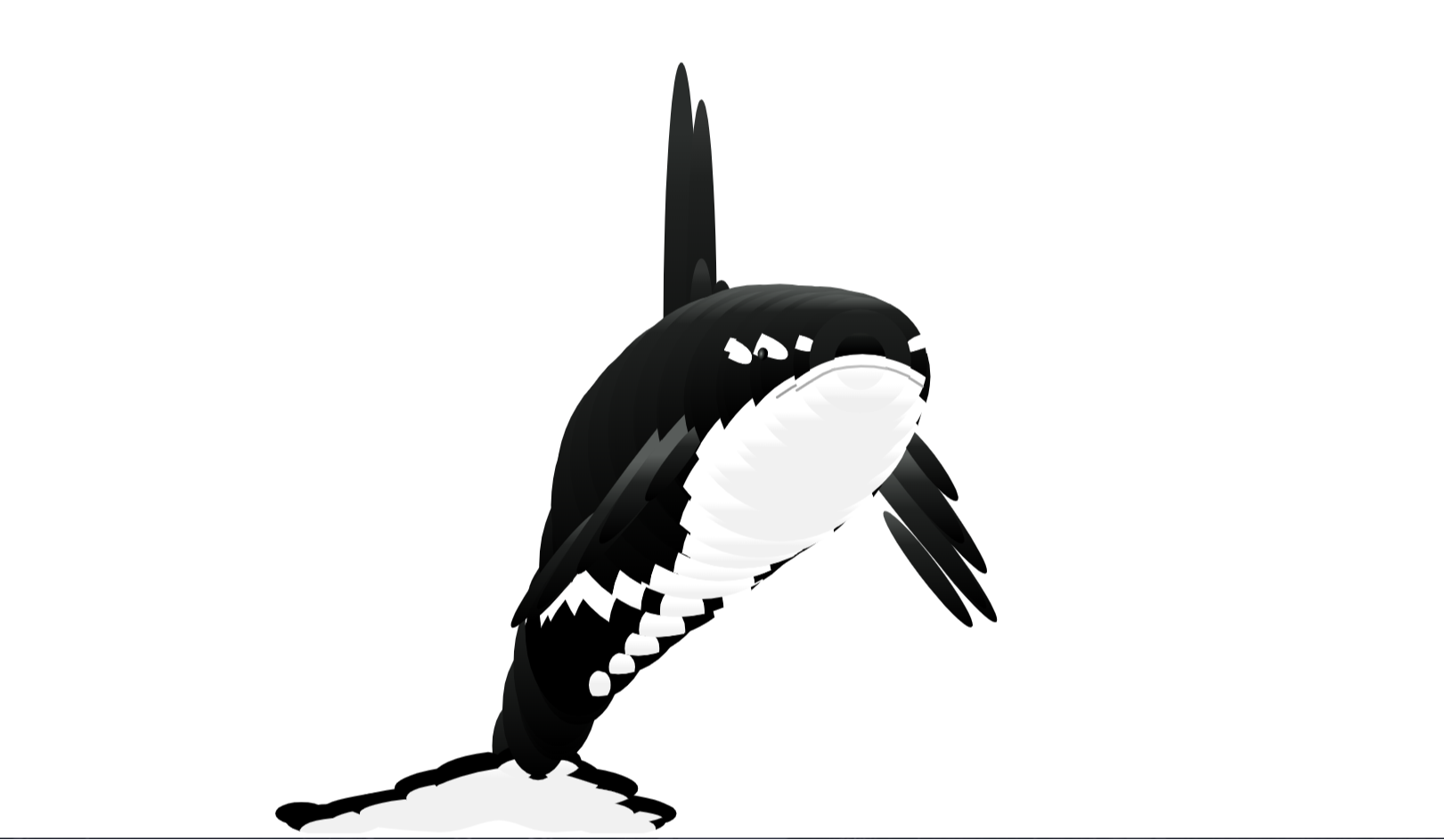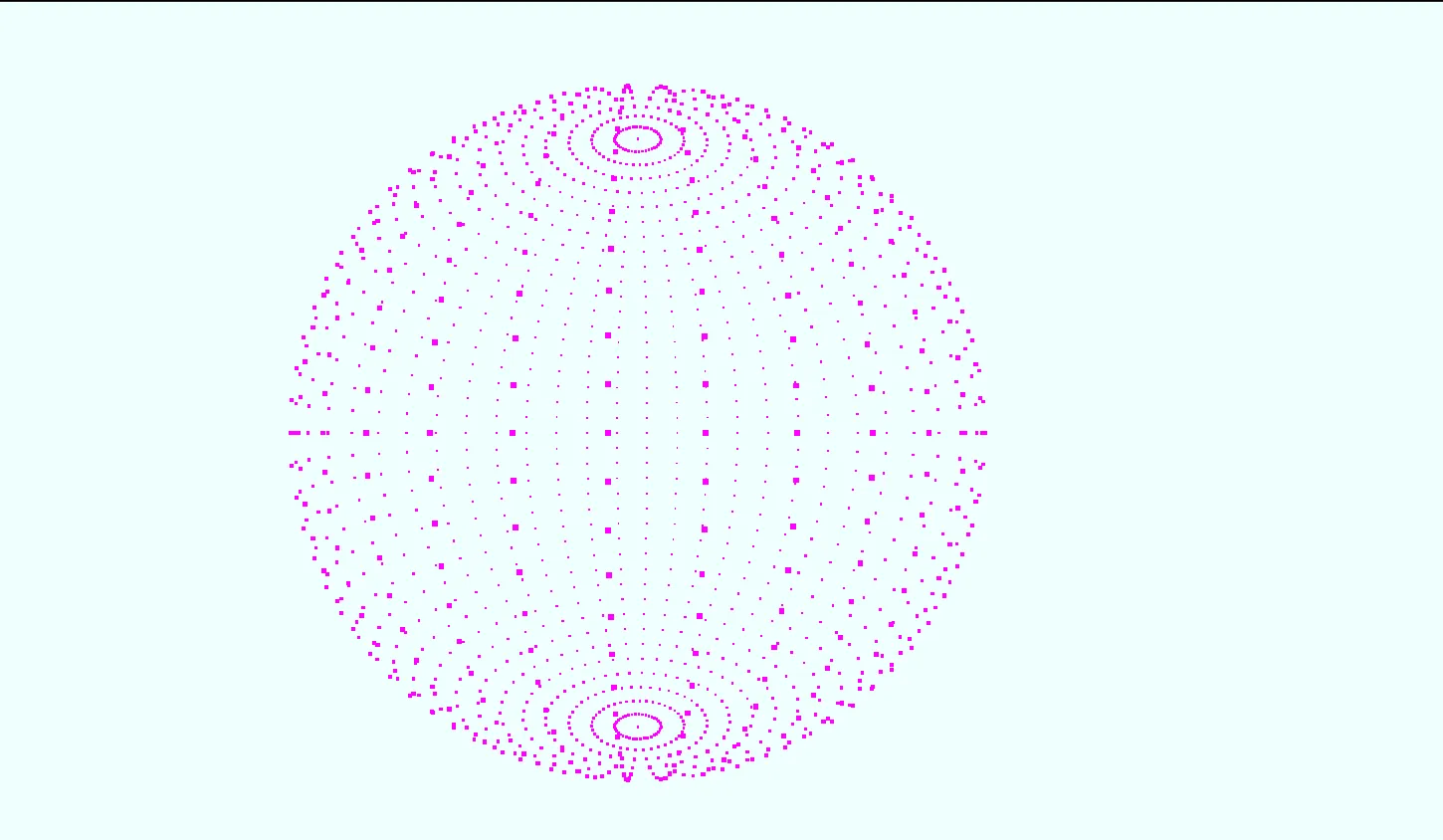
Modern web design constantly demands captivating visual experiences that hold user attention without compromising performance. Static background images and heavy video files often slow down page loads and fail to provide meaningful interactivity. Particle Shapes is an open-source interactive frontend project engineered with Three.js, vanilla JavaScript, HTML5 Canvas, and Bootstrap 5 to solve this exact visual challenge.
This project demonstrates how thousands of individual vector points can seamlessly morph, disperse, and realign into complex geometric and thematic shapes directly inside a web browser. By leveraging hardware-accelerated WebGL rendering through Three.js, it translates complex mathematical calculations into smooth 60 FPS graphic animations. Web developers, UI designers, and computer science students can inspect, tweak, and integrate this project to elevate landing pages, portfolio headers, and interactive web application dashboards.
We built this template on CodeTap to provide frontend developers with a clean, well-commented foundation for 3D web graphics. Standard web tutorials frequently offer oversimplified particle canvas snippets that lack responsive scaling or structured UI controls. Particle Shapes bridges that gap by pairing a robust WebGL rendering pipeline with an intuitive Bootstrap 5 control panel, allowing real-time adjustment of particle counts, speed, color palettes, and shape morphing parameters.
Whether you are building a futuristic SaaS landing page, studying mathematical particle distribution, or enhancing your personal portfolio, this project offers a battle-tested template that balances high visual impact with lightweight code performance across mobile, tablet, and desktop viewports.
Key Features
Interactive 3D Morphing
Smoothly transition particles between cubes, spheres, rings, torus knots, and custom geometric structures in real time.
Hardware-Accelerated WebGL
Powered by Three.js to offload heavy particle coordinate mathematics directly onto the user's GPU for consistent 60 FPS output.
Responsive Canvas Scaling
Automatically adjusts aspect ratios, field of view, and pixel density for crisp rendering across high-DPI and mobile screens.
Mouse & Touch Interactivity
Particles dynamically react to cursor distance, orbit controls, and touch drag events for immersive user engagement.
Bootstrap 5 Control Overlay
Clean glassmorphic UI toolbar constructed with Bootstrap 5 components to adjust parameters on the fly.
Custom Color Schemes
Supports dynamic color gradients, monochromatic styling, and per-particle vertex coloring through custom shaders.
Zero Heavy Dependencies
Built strictly using standard Web APIs, vanilla JS, Three.js, and minimal CSS for ultra-fast initial page loads.
Developer Friendly Architecture
Structured ES6 modules with explicit function naming and thorough inline documentation for rapid customization.
Technologies Used
Three.js
Three.js serves as the core 3D graphics engine for this project. It abstracts raw WebGL boilerplate into intuitive JavaScript constructs like scenes, cameras, renderers, geometries, and materials. By utilizing Three.js BufferGeometry and PointsMaterial, the application efficiently stores and manipulates spatial coordinates for thousands of particles inside typed arrays, drastically reducing garbage collection overhead.
HTML5
Semantic HTML5 forms the backbone of the page architecture. A dedicated <canvas> element acts as the render target for the WebGL context, while accessible navigation, header, and section elements ensure search engines and screen readers parse the structural hierarchy without confusion.
CSS3
Custom CSS3 styles manage canvas layering, z-index positioning, full-bleed viewport layouts, and smooth transition effects. CSS variables are implemented for dark and light theme toggling, ensuring the canvas background seamlessly integrates into surrounding page elements.
Bootstrap 5
Bootstrap 5 delivers a responsive, mobile-first UI overlay for the interactive control panel. Utilizing Bootstrap's grid system, utility classes, and custom buttons, developers can easily customize visual controls without writing custom layout styles from scratch.
JavaScript (ES6+)
Vanilla ES6+ JavaScript orchestrates state management, animation loops, mathematical vertex calculation, and event handling. Features such as requestAnimationFrame, array mapping, vector math, and event listeners operate smoothly without requiring external state management libraries.
How It Works
The architecture of Particle Shapes relies on a structured rendering pipeline that executes continuously inside the browser's graphics layer. Understanding this flow makes it easy to modify geometry algorithms or insert custom particle behaviors:
-
WebGL Scene InitializationCreates a Three.js Scene object, configures a Perspective Camera with a 75-degree FOV, and binds a WebGLRenderer to the HTML5 canvas element with anti-aliasing enabled.
-
Mathematical Particle DistributionGenerates floating 32-bit float arrays containing 3D coordinates (X, Y, Z) for target shapes such as spheres, cubes, and parametric toruses using mathematical formulas (trigonometric sine/cosine distributions).
-
BufferGeometry & Points ConstructionAssigns coordinate buffers into a Three.js
BufferGeometryand renders them throughThree.Pointsusing custom particle texture maps and color values. -
Lerp Morphing Animation LoopWhen a shape transition is triggered, linear interpolation (
lerp) smoothly calculates step-by-step vector positions from point origin to new target coordinates inside an activerequestAnimationFrameloop. -
Raycasting & Mouse InteractionTracks mouse pointer vectors and projects raycasts into 3D space to apply repulsive forces or velocity changes to nearby particles when hover or touch events occur.
Benefits for Developers & Creators
| User Role | Key Benefit | Practical Advantage |
|---|---|---|
| Students | Interactive 3D Learning | Hands-on exposure to WebGL concepts, 3D coordinate geometry, and linear interpolation in JavaScript. |
| Developers | Production-Ready Codebase | Modular, clean code ready to paste into React, Vue, Angular, or static landing pages. |
| UI Designers | High Visual Impact | Creates eye-catching background canvas effects that instantly boost user session duration. |
| Freelancers | Accelerated Workflow | Save hours of WebGL setup time when delivering custom client websites with interactive hero sections. |
| Portfolio Creators | Standout Showcase | Demonstrates advanced frontend capability beyond typical CRUD and static web designs. |
Real World Use Cases
1. SaaS Landing Page Hero Backgrounds
Replace static banner images with responsive 3D particle animations that subtly morph as visitors scroll through product features.
2. Interactive AI & Tech Showcases
Represent complex data streams, neural networks, or artificial intelligence concepts using dynamic interconnected particle networks.
3. Crypto & Web3 Platform Visuals
Display decentralized block relationships or tokenomic models through morphing geometric 3D rings and spheres.
4. Creative Agency Portfolios
Establish high technical standards by implementing custom interactive cursor interaction effects across background hero elements.
5. Event & Conference Microsites
Engage site visitors with themed particle animations that shift states based on event countdown timers or agenda selections.
6. Audio Visualizers & Music Apps
Connect Web Audio API frequency data to particle sizes and positions to create real-time reactive music visualizers.
7. Loading Screen Experience
Engage users during long data fetching operations by replacing spinner icons with elegant particle morphing transitions.
8. Educational Math & Physics Demos
Help STEM students visualize 3D mathematical surfaces, vector fields, and parametric equations in real time inside web browsers.
Performance & Technical SEO Optimization
A common pitfall with 3D web animations is poor performance on low-spec mobile devices and lower search engine rendering scores. Particle Shapes is engineered specifically to maintain high Core Web Vitals performance:
- Fast Loading & Light Assets: Minified JavaScript and compressed library imports ensure tiny payload sizes and instantaneous First Contentful Paint (FCP).
- High Accessibility Standards: Canvas elements are paired with aria-hidden flags while descriptive fallback text content is provided for screen readers.
- Responsive Canvas Resize Observer: Implements non-blocking, throttled window resize listeners to prevent frame drops when re-orienting mobile devices.
- Clean Semantic HTML5 Structure: Validated tags facilitate fast indexing by search engine crawlers without DOM bloating.
- Battery & CPU Efficiency: Automatically pauses rendering when the user switches browser tabs using page visibility APIs.
Customization Guide
1. Customizing Particle Colors
Update the Three.PointsMaterial initialization in the JavaScript file to modify particle hues, opacity, or blending modes:
const material = new THREE.PointsMaterial({
  size: 0.05,
  color: 0x00ffcc,
  transparent: true,
  opacity: 0.8,
  blending: THREE.AdditiveBlending
});
2. Adding New Custom Shapes
To add a new mathematical shape, write a vertex generator function that returns an array of 3D coordinates:
function generateCustomCube(count) {
  const positions = new Float32Array(count * 3);
  for (let i = 0; i < count * 3; i += 3) {
    positions[i] = (Math.random() - 0.5) * 10;     // X
    positions[i+1] = (Math.random() - 0.5) * 10;   // Y
    positions[i+2] = (Math.random() - 0.5) * 10;   // Z
  }
  return positions;
}
3. Modifying Animation Speed & Physics
Adjust the linear interpolation step rate inside the main animation loop to control morphing speed: higher values result in faster transitions, lower values yield smooth fluid movement.
Who Should Use This Project?
This project is tailored for front-end developers, web designers, computer science students, and software engineers who want to integrate interactive 3D WebGL visuals into web applications without spending days writing low-level shader routines.
Whether you need an interactive header for a client website, an educational template to study vector animation, or a high-performing background canvas for your personal portfolio on CodeTap, this project offers an ideal foundation.
Conclusion
Particle Shapes demonstrates the power of combining modern web technologies like Three.js, Bootstrap 5, and ES6 JavaScript to build captivating interactive web experiences. By leveraging WebGL hardware acceleration, it delivers smooth 60 FPS performance without sacrificing SEO or user accessibility.
Explore the source code on CodeTap, customize the geometry algorithms, and deploy stunning particle interactions across your web applications today.
Frequently Asked Questions (FAQ)
How does this project work?
It creates a 3D WebGL scene using Three.js, generates particle coordinate points using mathematical formulas, and morphs them smoothly between geometric shapes using linear interpolation inside a requestAnimationFrame loop.
Can beginners learn from this project?
Yes! The project source code is organized into clear ES6 modules with explicit comments, making it an excellent learning resource for developers transitioning from standard DOM manipulation to 3D WebGL development.
Is it mobile responsive?
Yes, the canvas automatically handles viewport resize events and dynamically adjusts device pixel ratios to maintain optimal rendering quality and smooth performance across mobile devices and tablets.
Can I use it commercially?
Yes, Particle Shapes is distributed as open-source code under CodeTap, allowing you to freely integrate, modify, and use it in both personal and commercial projects.
How do I customize it?
You can customize particle counts, material properties, color vectors, and morph speed by editing the configuration parameters inside the main JavaScript file or adjusting controls in the Bootstrap 5 UI overlay.
Does it require Bootstrap?
Bootstrap 5 is used for the control panel layout and responsive utility styling, but the core Three.js particle animation engine operates independently and can be extracted into any CSS framework.
Is JavaScript required?
Yes, vanilla JavaScript (ES6+) is required to execute Three.js math functions, initialize the rendering pipeline, handle event listeners, and animate particle positions in real time.
Can I add this to my portfolio?
Absolutely! Integrating, customizing, or extending this project is a great way to showcase WebGL and advanced frontend development skills to potential employers and prospective clients.
Download is Locked
Please scroll down to view the full page and unlock the download link.
Your Download is Ready
Click the button below to retrieve the project source code.
More Related Items by CodeTap
View All