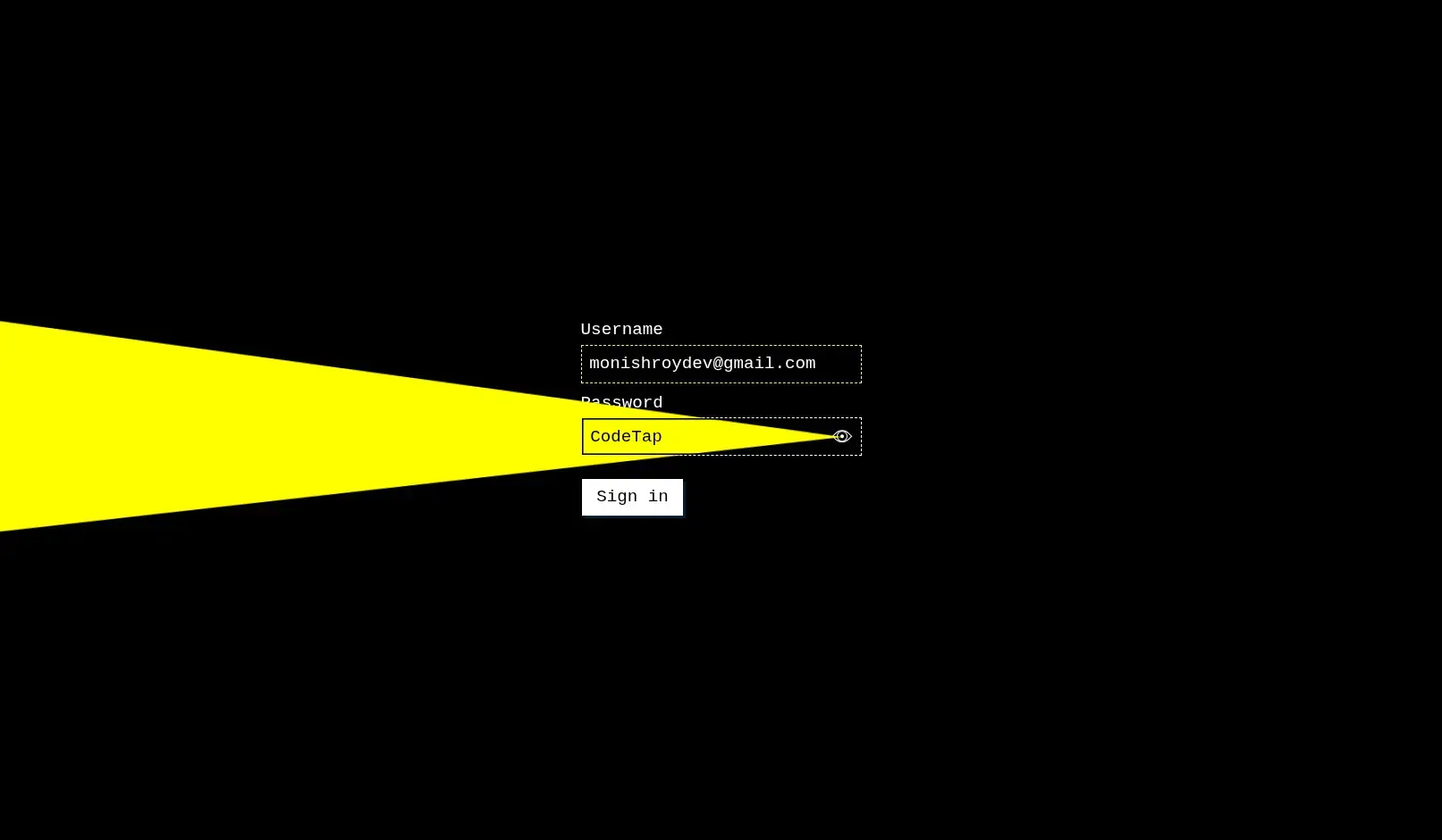
Overview: The Password Light Login project showcases how to design a clean, user-friendly login form with a password visibility toggle. Using HTML, CSS and JavaScript, it focuses on usability, security cues, and a lightweight, responsive interface.
Core Features
- Password Visibility Toggle: Show or hide password text with a single click using JavaScript.
- Responsive Layout: Adjusts seamlessly for desktop, tablet and mobile screens.
- Lightweight Design: Minimal CSS and clear form fields ensure fast loading and a modern look.
- Validation: JavaScript-based validation for email and password inputs with user-friendly error feedback.
- Accessible UI: Proper labels, ARIA attributes and keyboard navigation support.
Learning Outcomes
This project helps you learn how to implement password visibility toggles, responsive login layouts, real-time validation, and user-centric UI patterns. It’s an ideal exercise for front-end developers wanting to upgrade their login form skills.
Customization Ideas
- Add a dark/light mode switch for different themes.
- Integrate a “show strength” meter for passwords with color-coded feedback.
- Include animated icons or subtle background effects for a more engaging login experience.
- Connect to a backend API for real authentication flow.
Download is Locked
Please scroll down to view the full page and unlock the download link.
Your Download is Ready
Click the button below to retrieve the project source code.