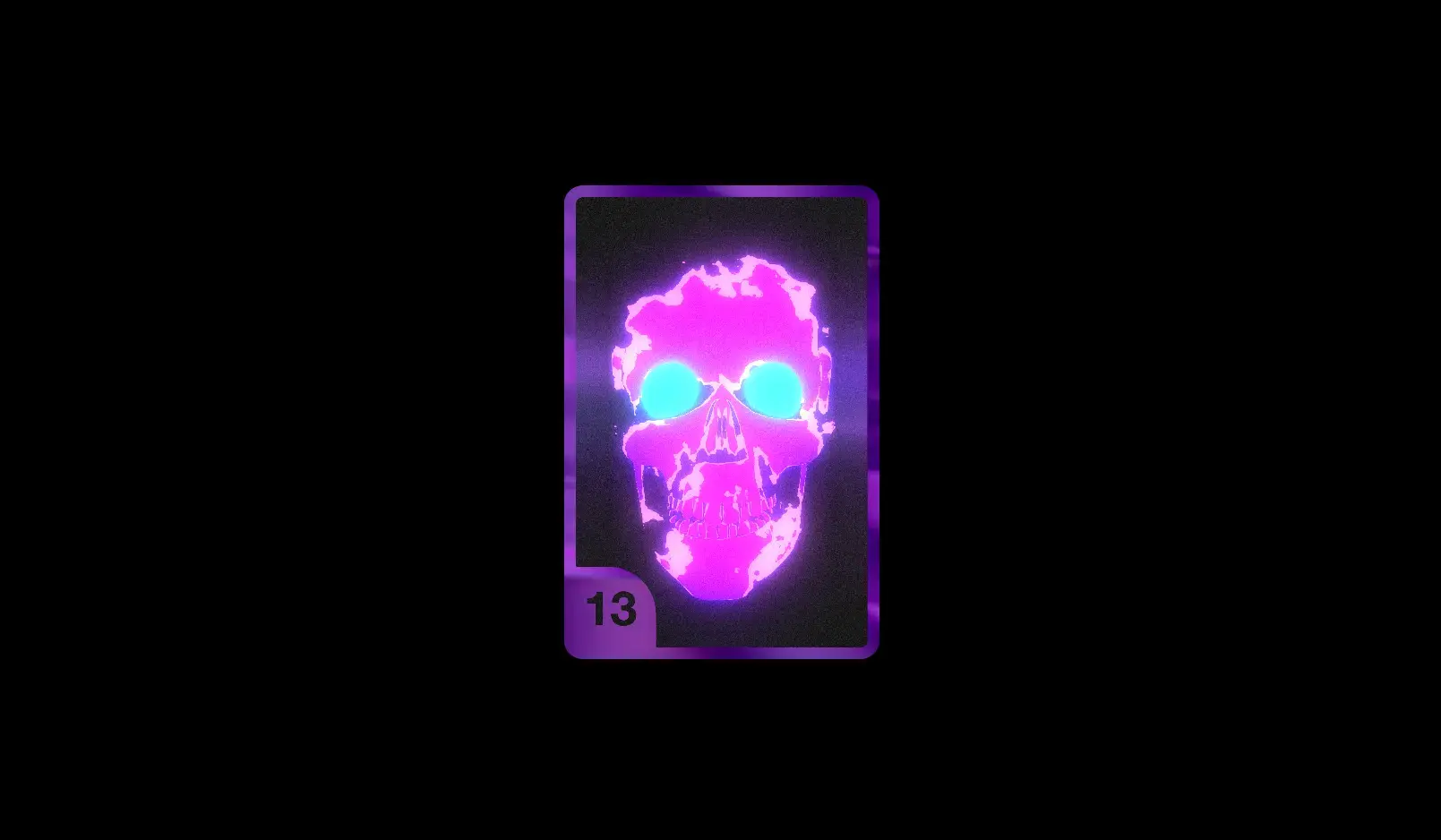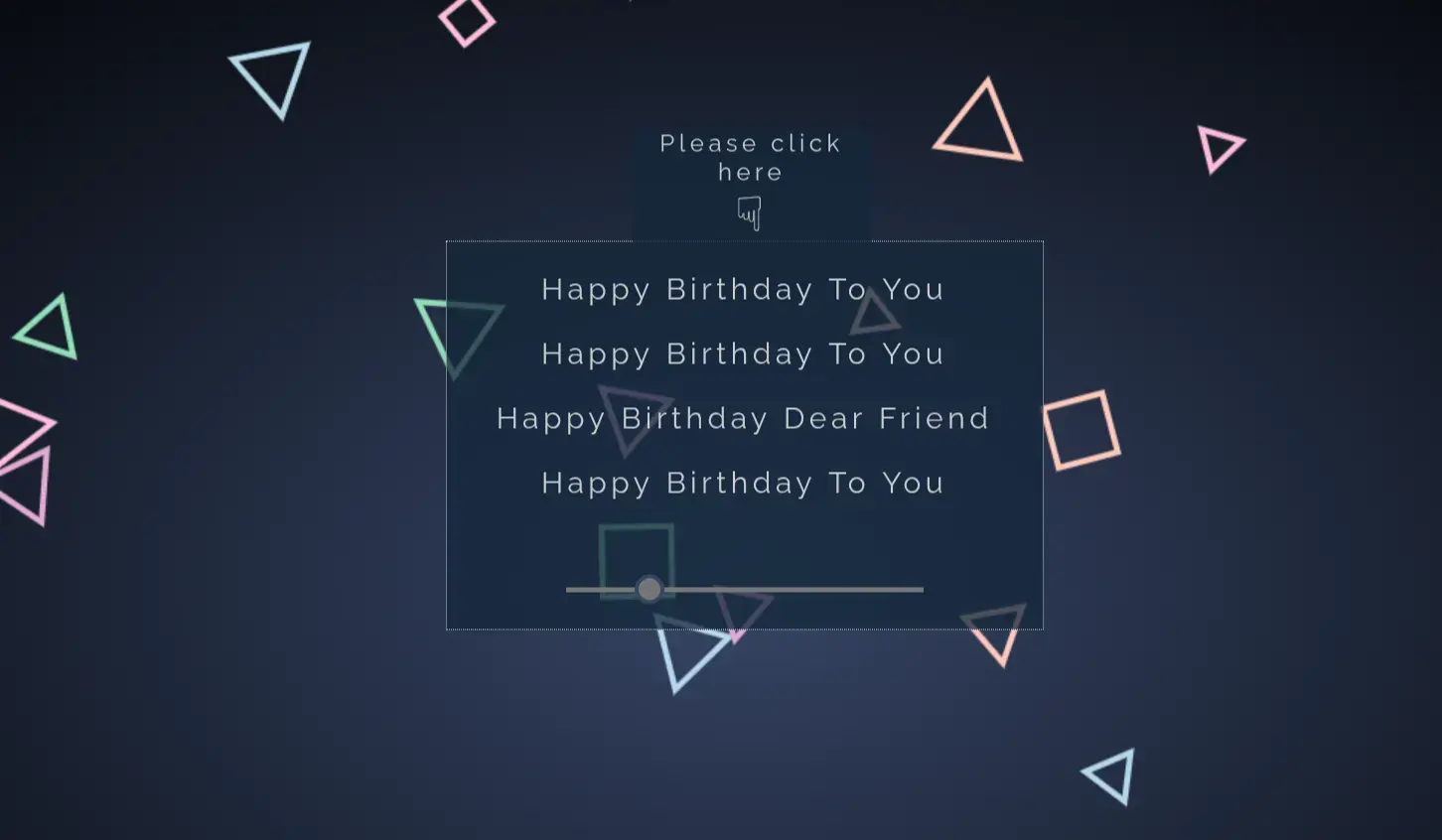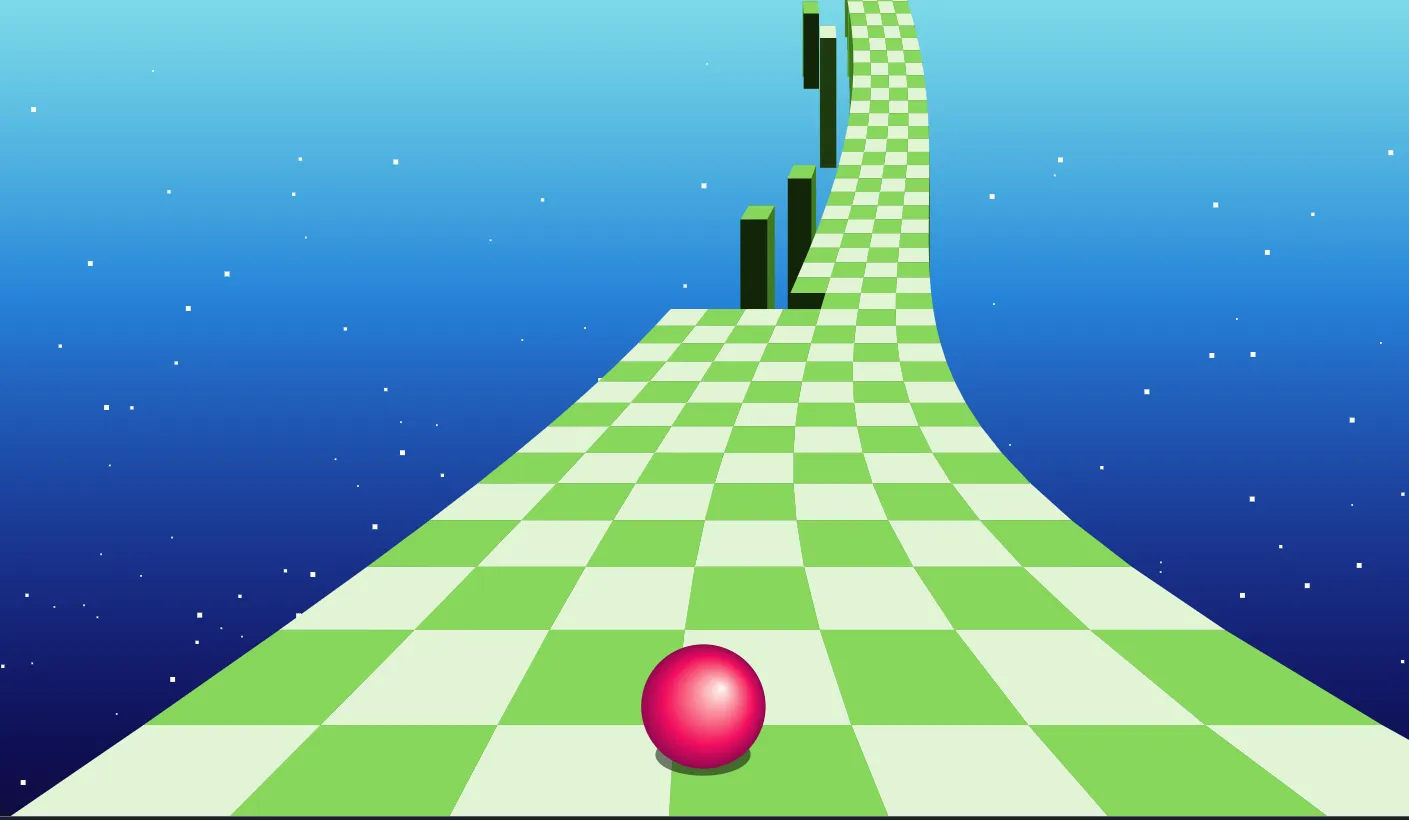
SkyDreams A 3D 1K Fever Dream
Discover SkyDreams, an interactive 3D browser experiment designed to showcase the potential of Three.js, lightweight procedural graphics, and responsive web technology.
What Is SkyDreams?
SkyDreams is a real-time 3D web experiment built to run directly inside modern web browsers without requiring external plugins or heavy hardware resources. It creates an abstract, surreal visual environment—often called a "1K fever dream"—that rendered dynamically using WebGL through the popular Three.js library. Combined with Bootstrap 5 for modern layout control, SkyDreams provides a seamless blend of expressive web graphics and clean user interface presentation.
By maintaining a microscopic footprint, this project demonstrates how developers can create deeply immersive visual experiences while keeping asset overhead minimal. It serves as an accessible entry point for web developers, UI designers, and computer science students interested in exploring creative coding and browser-based 3D animation.
Why Was It Built & What Problem Does It Solve?
Traditional 3D web design often comes with massive performance penalties. High-resolution textures, heavy 3D assets (such as .GLTF or .FBX files), and unoptimized rendering loops often cause long loading times, high bandwidth consumption, and laggy user interactions, particularly on mobile devices.
SkyDreams was created to solve these exact performance bottlenecks. Instead of relying on static, heavy pre-rendered video backgrounds or large mesh downloads, it relies on procedural generation, dynamic light calculations, and math-driven geometry. This project serves as a practical, lightweight template showing developers how to implement eye-catching 3D graphics in portfolio websites, landing pages, or web applications without sacrificing site speed, responsiveness, or Google search visibility.
Why Developers & Designers Should Use It
Whether you are building a standout developer portfolio, learning the fundamentals of the HTML5 Canvas API, or attempting to stand out in a competitive job market, SkyDreams offers a clean, modular foundation. The code structure separates scene initialization, camera control, lighting setups, and user interface controls, making it effortless to read, alter, and adapt for commercial or educational projects.
Key Features of SkyDreams
1. Procedural 3D Scene Rendering
Generates dynamic shapes, colors, and spatial paths mathematically, eliminating the need for downloading heavy external 3D asset files.
2. Ultra-Lightweight Footprint
Optimized code delivery ensures instant load times, making it ideal for high-performance landing pages and interactive portfolios.
3. Fully Responsive Viewport
Automatically handles window resize events, adjusting aspect ratios and camera parameters for desktop, tablet, and mobile screens.
4. Smooth 60 FPS Animation Loop
Utilizes requestAnimationFrame for buttery-smooth rendering performance synchronized with the user's refresh rate.
5. Interactive User Controls
Supports mouse tracking, touch navigation, and camera perspective shifts that respond directly to real-time user input.
6. Bootstrap 5 Integration
Combines modern 3D graphics seamlessly with a clean, grid-based Bootstrap layout for overlay controls and UI text.
7. Custom Lighting & Shader Effects
Features dynamic ambient, directional, and point lights that generate vivid atmospheric color shifts and ambient moods.
8. Modular & Readable Codebase
Built with clean, standard JavaScript without complex build tools, allowing beginners to easily inspect and modify elements.
Technologies Used
HTML5
HTML5 provides the foundational structure for the entire application. It defines semantic content landmarks and hosts the HTML5 <canvas> element, which acts as the dedicated render target for WebGL graphics. By using standard HTML5 tags, the project ensures cross-browser compliance, search engine indexability, and clean document flow.
CSS3
CSS3 handles overall visual styling, canvas overlay positioning, z-index management, and custom color transitions. It ensures that the canvas background scales smoothly across varying screen dimensions without overflow or clipping issues. Advanced CSS properties allow HUD overlays and text layers to rest cleanly above the 3D environment.
Bootstrap 5
Bootstrap 5 delivers a modern, responsive framework for structuring user interfaces, buttons, modals, and typography overlays. Because Bootstrap 5 drops jQuery dependency in favor of vanilla JavaScript, it pairs perfectly with lightweight 3D graphics scripts without adding runtime overhead or library conflicts.
JavaScript & Three.js
Vanilla JavaScript manages event handling, animation logic, and viewport monitoring. The project imports Three.js, an industry-standard JavaScript 3D library that encapsulates WebGL complexity. Three.js handles the rendering pipeline, camera projections, mesh generation, materials, lighting, and frame loops through straightforward JavaScript syntax.
How It Works
SkyDreams initializes by setting up a Three.js scene, a perspective camera, and a WebGL renderer attached directly to an HTML5 canvas element. Here is a breakdown of its core operational execution flow:
- 1. Scene Initialization: A standard Three.js
Sceneobject is instantiated to hold all lights, meshes, and environmental parameters. - 2. Camera Setup: A
PerspectiveCameradefines the field of view, aspect ratio, and clipping planes, mimicking human visual perception. - 3. Object Creation: Geometries (such as spheres, planes, or procedural nodes) combine with custom materials and color gradients to create abstract visual forms.
- 4. Lighting Execution: Dynamic light sources calculate material reflections, depth, and shadow values in real-time.
- 5. The Render Loop: A continuous function powered by
requestAnimationFrame()updates object rotation, camera drift, and light pulses at 60 frames per second. - 6. User Interaction: Event listeners track cursor movement and touch swipes, applying small offsets to the camera angle for an interactive parallax effect.
When users resize their browser window, an automated listener updates camera projection matrices and renderer pixel ratios to prevent distortion or blurred visuals.
Benefits for Different Roles
| Target Audience | Key Advantages & Value Provided |
|---|---|
| Students | Provides a real-world, accessible codebase to study WebGL math, camera mechanics, and JavaScript animation loops without complex software setups. |
| Developers | Delivers a clean, reusable boilerplate template for integrating interactive 3D hero sections into existing or new client projects. |
| UI/UX Designers | Offers practical insights into mixing 2D Bootstrap web layouts with deep, immersive 3D background visual styles. |
| Freelancers | Allows rapid development of high-impact landing pages that impress clients and stand out from generic, flat templates. |
| Portfolio Creators | Gives job seekers an impressive, interactive showcase piece that demonstrates front-end technical proficiency and modern creative coding skills. |
Real World Use Cases
1. Interactive Hero Backgrounds
Replace static hero images on SaaS landing pages with animated 3D environments that grab visitor attention immediately.
2. Developer Portfolio Highlights
Embed this project into creative web developer portfolios to highlight advanced JavaScript and WebGL capabilities.
3. Digital Art Showcases
Serve as an online gallery background for generative digital artists, creative coders, and web design agency work.
4. Music & Event Landing Pages
Create psychedelic or surreal interactive web experiences for music album releases, virtual festivals, and modern art events.
5. Interactive Product Teasers
Adapt the 3D space to present interactive 3D product previews, tech hardware concepts, or gaming announcements.
6. WebGL Learning Starter Kit
Use as a structured teaching material in coding bootcamps, university computer graphics courses, and online tutorials.
7. Gamified Loading Screens
Convert the ambient dreamscape into an entertaining, interactive screen for web-based games or web apps during asset loading phases.
8. Virtual Event Lounges
Incorporate ambient 3D visuals as backgrounds for online webinars, virtual waiting rooms, and live stream overlays.
Performance & Technical SEO Optimization
Fast Loading Speed
Because SkyDreams relies on procedural geometry rather than heavy 3D assets, initial HTTP request loads remain tiny. This keeps Core Web Vitals (LCP and FCP) optimal.
Responsive & Mobile Friendly
Combines Bootstrap 5 grid utilities with Three.js window resize tracking to ensure crisp rendering on mobile screens without overflow issues.
Accessibility & Semantic HTML
Overlays text content using proper HTML5 semantics (<section>, <h1>, <p>), ensuring screen readers parse content correctly.
Customization Guide for Developers
Personalizing SkyDreams is straightforward. Follow these steps to adjust visual parameters to match your project branding:
Customizing Colors & Lighting
Modify the material color hex codes and ambient light intensities inside the main JavaScript configuration block:
const material = new THREE.MeshPhongMaterial({
  color: 0xff007f, // Change color hex here
  shininess: 100
});
const ambientLight = new THREE.AmbientLight(0xffffff, 0.8); // Adjust intensity
Adjusting Animations & Speeds
In the animation loop function, alter the rotation speed values to speed up or slow down object movement:
function animate() {
  requestAnimationFrame(animate);
  mesh.rotation.x += 0.005; // Change speed on X axis
  mesh.rotation.y += 0.01;  // Change speed on Y axis
  renderer.render(scene, camera);
}
Changing Layout, Fonts & UI Controls
Because UI overlays use Bootstrap 5, you can change grid column widths, margins, and typography using standard Bootstrap utility classes like text-center, display-1, or custom Google Fonts CSS rules.
Who Should Use This Project?
Frontend Developers
Expand your skill set beyond traditional 2D web layouts into interactive WebGL 3D design.
Students & Educators
Use as a clear, readable practical example of applying math and JavaScript graphics in real projects.
UI/UX Web Designers
Prototype unique visual interfaces and experiment with interactive camera animations.
Conclusion
SkyDreams 🌈 A 3D 1K Fever Dream proves that modern 3D web experiences do not need to be bloated, complex, or slow to load. By combining the rendering capabilities of Three.js with the structural efficiency of Bootstrap 5, HTML5, and standard JavaScript, this project delivers an engaging visual result while maintaining top-tier web performance.
Whether you are looking to elevate your front-end web development portfolio, study WebGL scene management, or create high-converting landing pages with dynamic backgrounds, SkyDreams provides an ideal, production-ready starting point. Explore the source code on CodeTap today and start experimenting with browser-based 3D art!
Frequently Asked Questions (FAQ)
How does this project work?
SkyDreams uses the Three.js library to render 3D geometry and lights on an HTML5 canvas element using WebGL, while Bootstrap 5 controls responsive UI overlays.
Can beginners learn from this project?
Yes. The code is written in clean vanilla JavaScript without complex dependencies, making it simple to inspect, alter, and learn basic 3D concepts.
Is it mobile responsive?
Absolutely. The camera aspect ratio and renderer pixel dimensions update dynamically on window resize events to suit all device screens.
Can I use it commercially?
Yes, you can customize and integrate this template into your personal, portfolio, or commercial client projects.
How do I customize it?
You can adjust mesh geometries, colors, lighting intensities, and animation variables directly inside the primary JavaScript file.
Does it require Bootstrap?
Bootstrap 5 is used for modern responsive layout and typography overlays, though the core 3D Three.js scene can run independently if required.
Is JavaScript required?
Yes, JavaScript is essential because it executes the Three.js library routines, scene logic, and real-time animation rendering loop.
Can I add this to my portfolio?
Yes, customizing and hosting this project is a great way to showcase creative web development and WebGL skills to employers.
Download is Locked
Please scroll down to view the full page and unlock the download link.
Your Download is Ready
Click the button below to retrieve the project source code.
More Related Items by CodeTap
View All