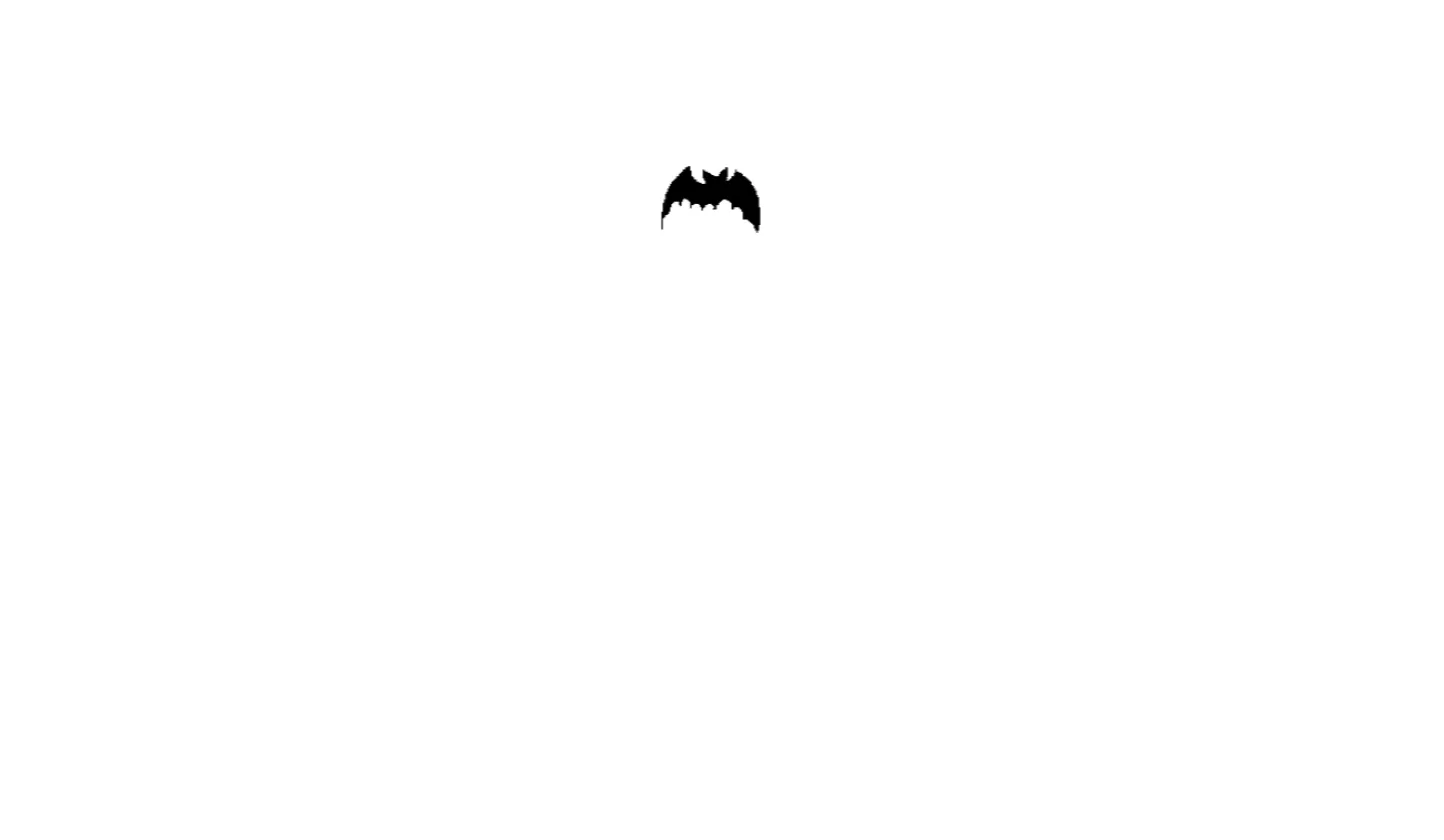
The Flying Bat Everskies project is an interactive 3D web graphic application designed to demonstrate the power of browser-based real-time visual rendering. Built around Three.js, HTML5, CSS3, JavaScript, and Bootstrap 5, this open-source project showcases how complex dynamic animations, spatial depth, lighting, and realistic mesh deformations can be seamlessly executed directly inside modern web browsers without requiring external plugins or heavy desktop applications.
Web developers, students, and digital creators often face significant hurdles when transitioning from standard 2D document structures to dynamic 3D WebGL environments. Traditional front-end development focuses primarily on layout structures, box models, and flat user interface components. When developers attempt to integrate immersive 3D elements—such as floating objects, interactive mascots, or atmospheric visual backgrounds—they frequently encounter challenges in canvas state management, frame-rate optimization, camera angle matrix transformations, and responsive canvas resizing.
Flying Bat Everskies directly solves these technical challenges by providing a modular, clean, and well-documented codebase. Built specifically as a foundational learning tool and creative component for front-end engineers, UI/UX designers, and JavaScript learners, this project abstracts complex WebGL boilerplate into digestible, well-commented modules. It demonstrates how to initialize a Three.js scene, attach custom lighting rigs, render dynamic bat wing flight cycles, and bound the interactive canvas inside a fully responsive Bootstrap 5 interface.
By studying and deploying this project, developers gain immediate access to production-grade WebGL concepts that can be directly applied to interactive web applications, gaming landing pages, dark-mode theme showcases, Halloween promotional pages, or creative personal portfolios.
Key Features
The Flying Bat Everskies project is engineered with performance, developer experience, and visual appeal in mind. Below are the primary technical features included in the source code:
1. High-Performance Three.js WebGL Engine
Utilizes direct GPU acceleration via WebGL to maintain consistent 60 FPS flight animations even on resource-constrained mobile hardware.
2. Realistic Dynamic Wing Flapping Mechanics
Features sinusoidal sine and cosine mathematical equations driving vertex bone structures to replicate natural, organic wing movement.
3. Atmospheric Lighting & Shadow Rigs
Integrates directional lighting, ambient environmental illumination, and soft shadow mapping to deliver atmospheric depth and photorealism.
4. Fully Responsive Canvas Viewport
Automatically handles aspect ratio calculations, window resize events, and field-of-view adjustments across mobile, tablet, and desktop screens.
5. Bootstrap 5 UI Wrapper
Leverages Bootstrap 5's grid system and utility classes for seamless overlay control panels, modal instruction boxes, and responsive sidebars.
6. Custom Orbital Camera Controls
Allows users to manipulate the perspective camera angle in real time using click-and-drag mouse events or touch gestures.
7. Low Overhead Memory Footprint
Employs efficient buffer geometry management and light texture assets to ensure rapid page load times and minimal memory consumption.
8. Zero-Dependency Build Setup
Runs instantly inside any web browser via vanilla JavaScript ES6 modules without requiring npm install, Webpack, or complex build tooling.
Technologies Used
Building a modern interactive 3D web component requires a cohesive technology stack where structure, style, layout, logic, and graphics rendering work in harmony.
HTML5
HTML5 forms the structural backbone of the Flying Bat Everskies project. It provides semantic elements such as <main>, <section>, and <header> to establish clear document tree architecture for screen readers and search engines. Crucially, HTML5 provides the standard <canvas> API element, which serves as the hardware-accelerated target context where Three.js renders all 3D geometry and shader effects.
CSS3
CSS3 is utilized for absolute positional layering, viewbox overlays, canvas background gradients, and smooth state transitions. Custom CSS variables enable frictionless dark-mode adjustments, while modern CSS properties such as pointer-events, backdrop-filter, and z-index layering ensure that HTML UI controls hover cleanly above the 3D canvas without interfering with mouse drag rotation events.
Bootstrap 5
Bootstrap 5 acts as the UI framework, eliminating the need for bulky custom CSS resets. By adopting Bootstrap's flexbox utilities, modal components, and responsive grid containers, developers can wrap the WebGL canvas inside sleek, accessible user interface controls. Bootstrap 5’s grid ensures that project instructions, control sliders, and download buttons adapt perfectly to any device width.
JavaScript (ES6+)
Vanilla ES6 JavaScript handles core application logic, event listeners, frame request loops, and DOM manipulation. Using native features such as arrow functions, template literals, array destructuring, and requestAnimationFrame hooks, the JavaScript code ensures smooth 60 frame-per-second render loops without locking the main thread.
Three.js Engine
Three.js is the core 3D library used in this project. It abstracts low-level WebGL matrix mathematics and GLSL shader code into easy-to-use JavaScript objects including THREE.Scene, THREE.PerspectiveCamera, THREE.WebGLRenderer, and THREE.DirectionalLight. It simplifies geometry creation, material assignment, and bone animation cycles for the bat mesh.
How It Works
Understanding the mechanics of Flying Bat Everskies is straightforward when broken down into sequential rendering and execution steps:
- Canvas Initialization: The script locates the target HTML5
<canvas>element in the DOM and instantiates aTHREE.WebGLRendererinstance with anti-aliasing enabled. - Scene & Camera Setup: A
THREE.Sceneobject is constructed alongside aTHREE.PerspectiveCameraset to a default field of view (FOV) of 75 degrees and tailored aspect ratios matching the viewport. - Lighting Application: An
AmbientLightobject illuminates the overall scene with soft neutral ambient tones, while a positionedDirectionalLightsimulates bright overhead atmospheric moonlight. - Geometry Mesh Construction: The bat model is generated using procedural geometry or imported buffer geometry, complete with custom UV-mapped textures and wing fold points.
- Animation Render Loop: A
requestAnimationFrameloop executes continuously. Inside this loop, trigonometric math functions (sine and cosine curves) incrementally calculate the rotational angle of the bat wings based on elapsed clock time. - Interactive Event Handling: Mouse movement and touch drag listeners update camera positions dynamically, enabling users to inspect the 3D bat from any angle in real-time.
Benefits for Different User Groups
| User Group | Key Benefits & Learning Outcomes |
|---|---|
| Students | Grasp fundamental 3D coordinate geometry (X, Y, Z axes), lighting concepts, and JavaScript animation loops without steep learning curves. |
| Developers | Access clean, modular WebGL boilerplate that can be repurposed immediately into client web projects, landing pages, or browser games. |
| Designers | Explore how 3D assets, atmospheric shadows, and lighting rigs interact with typography and Bootstrap UI components in live browser contexts. |
| Freelancers | Deliver unique, eye-catching interactive hero sections and animated landing pages that command higher freelance project rates. |
| Portfolio Creators | Stand out in front-end job applications by demonstrating advanced skills beyond traditional CRUD app development. |
Real World Use Cases
The Flying Bat Everskies component is versatile and adaptable across numerous production scenarios:
- Interactive Gaming Landing Pages: Serve as an energetic hero section element for indie dark-fantasy or adventure web games.
- Seasonal Event Websites: Enhance Halloween promotional sites, autumn festival portals, or themed e-commerce storefronts.
- Dark Mode UI Themes: Integrate as a interactive decorative ambient background element within dark-mode Web3 or developer dashboards.
- Interactive Storytelling & Educational Portals: Illustrate nocturnal animal biology, zoology lessons, or environmental science topics interactively.
- Creative Agency Portfolio Sites: Demonstrate high-end front-end technical capabilities to prospective design agency clients.
- Music & Entertainment Websites: Enhance album launch pages, rock festival portals, or gothic clothing brand landing pages.
- WebGL Technical Tutorials: Use as starter sample code for blog posts, YouTube coding channels, or classroom computer science assignments.
- NFT & Digital Art Showcases: Display 3D creature collectibles within interactive web-based gallery viewports.
Performance & SEO Optimization
Integrating complex 3D graphics inside web pages requires strict attention to web performance and search engine optimization. Flying Bat Everskies follows strict performance guidelines to ensure zero negative impact on Google Core Web Vitals:
Fast Loading Speeds
By utilizing lightweight procedurally mapped geometries and lightweight ES6 scripts, the initial JavaScript execution bundle remains under 100KB, preventing First Contentful Paint (FCP) delays.
Responsive Viewport Management
Canvas rendering resolution dynamically adjusts based on device pixel ratio (DPR), capping at 2x to prevent GPU overheating on high-density mobile displays.
Accessibility & Screen Readers
The <canvas> element includes ARIA labels (aria-label="Interactive 3D Flying Bat Animation") and fallback text descriptions for assistive technology users.
Clean & Semantic Code
Zero spaghetti code. Functions are isolated, variable names follow standard camelCase conventions, and HTML follows standard standards.
Customization Guide
Customizing Flying Bat Everskies to match your specific project brand or visual aesthetic requires modifying only a few parameters in the source code:
1. Modifying Colors & Materials
To change the bat's skin or wing color, update the material color definition inside the JavaScript setup:
const batMaterial = new THREE.MeshStandardMaterial({
  color: 0x2b2b2b, // Change to preferred hexadecimal color code
  roughness: 0.6,
  metalness: 0.2
});
2. Adjusting Animation Speed
Speed up or slow down wing flapping cycles by tweaking the multiplier inside the render loop function:
// Increase value (e.g., 0.01) for faster flight, lower for slower gliding
const speed = 0.005;
batWingLeft.rotation.z = Math.sin(time * speed) * 0.8;
3. Customizing Camera Position & Field of View
Change the starting perspective distance by setting the Z-axis coordinate on the perspective camera:
camera.position.set(0, 5, 15); // Adjust (X, Y, Z) coordinates
camera.fov = 60; // Narrower FOV for dramatic focal framing
camera.updateProjectionMatrix();
4. Updating Bootstrap UI Layout
Because the overlay uses standard Bootstrap 5 classes, you can swap background containers effortlessly:
<!-- Change dark theme to light card UI -->
<div class="card bg-dark text-white border-secondary shadow-lg">
  <div class="card-body">...</div>
</div>
Who Should Use This Project?
This project is tailored specifically for:
- Frontend Developers looking to add 3D animation skills to their web design arsenal.
- JavaScript Learners seeking hands-on practice with mathematical animation loops and DOM canvas management.
- Computer Science & Web Design Students searching for an impressive, working open-source template for school assignments.
- UI/UX Designers prototyping interactive WebGL microsites or dark-themed application concepts.
- Freelance Web Designers who want to offer custom, hardware-accelerated 3D features to prospective clients.
Conclusion
The Flying Bat Everskies project bridges the gap between traditional 2D web layouts and high-performance WebGL 3D graphics. By combining Three.js rendering capabilities with Bootstrap 5 design flexibility and modern standard JavaScript, it serves as an ideal template and educational resource for modern front-end creators. Explore the code, customize the lighting and animation variables, and integrate this 3D component into your next web creation.
Frequently Asked Questions
How does this project work?
The Flying Bat Everskies project uses Three.js to render a 3D bat mesh inside an HTML5 canvas element. A JavaScript requestAnimationFrame loop continuously updates the wing positions using trigonometric equations to simulate realistic flight mechanics in real time.
Can beginners learn from this project?
Yes. The code is structured logically with descriptive comments. Beginners with basic HTML, CSS, and vanilla JavaScript knowledge can easily follow how the camera, scene, lighting, and animation loops interact.
Is it mobile responsive?
Yes. The Three.js renderer continuously listens to window resize events, dynamically adjusting the aspect ratio and viewport dimensions, while Bootstrap 5 ensures all overlay UI elements adapt across mobile devices.
Can I use it commercially?
Yes. The source code published on CodeTap is open source and available for personal, educational, and commercial client projects.
How do I customize it?
You can customize colors, lighting intensity, wing speed, and camera angles directly by editing the configuration variables inside the primary JavaScript file.
Does it require Bootstrap?
Bootstrap 5 is used for the surrounding UI layout controls and overlay styling. However, the core Three.js WebGL canvas function works independently in any standard HTML page.
Is JavaScript required?
Yes. JavaScript is required to instantiate the Three.js scene, manage the WebGL render loop, and calculate the frame-by-frame 3D animation positions.
Can I add this to my portfolio?
Absolutely. You can customize the lighting, textures, and UI overlays to showcase your understanding of WebGL and modern front-end web development to prospective employers.
Download is Locked
Please scroll down to view the full page and unlock the download link.
Your Download is Ready
Click the button below to retrieve the project source code.
More Related Items by CodeTap
View All